
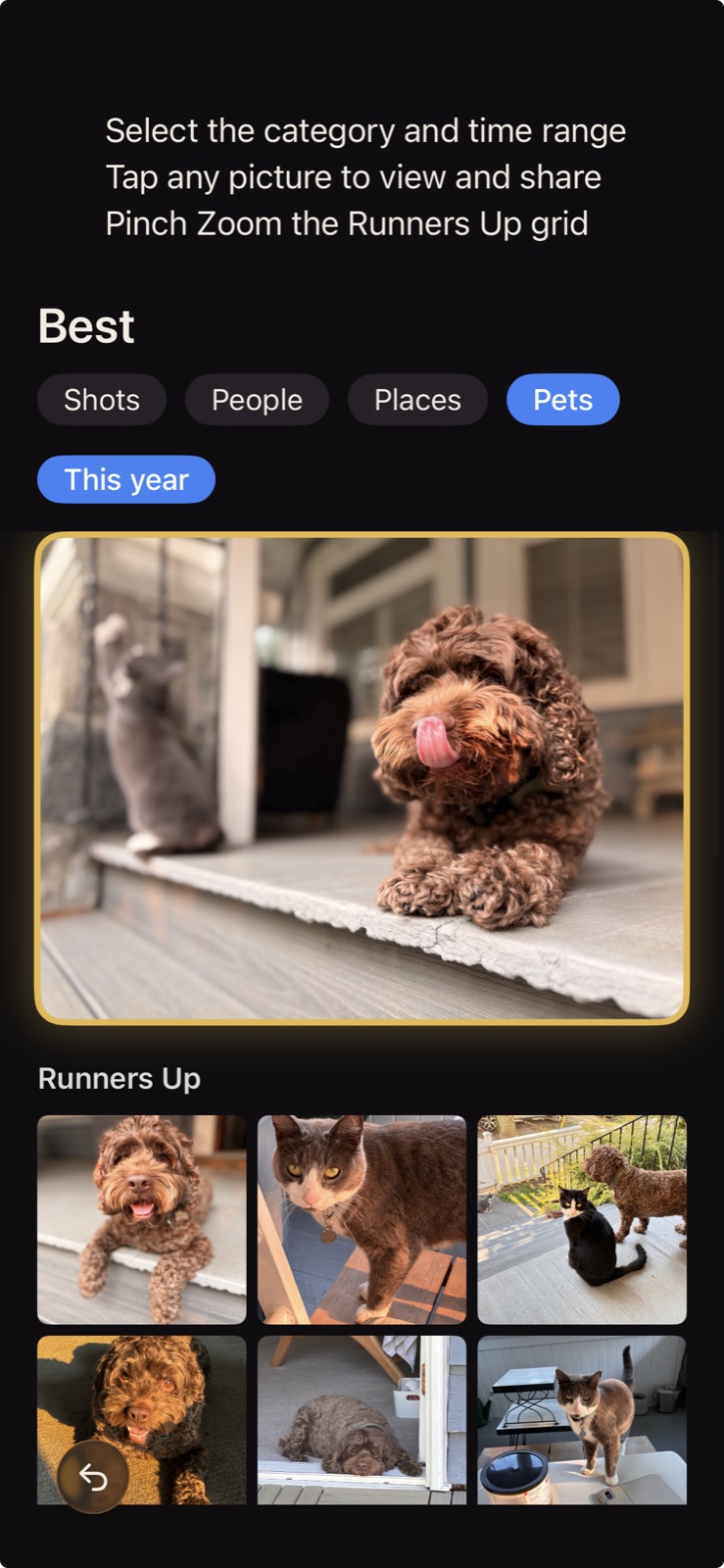
Best
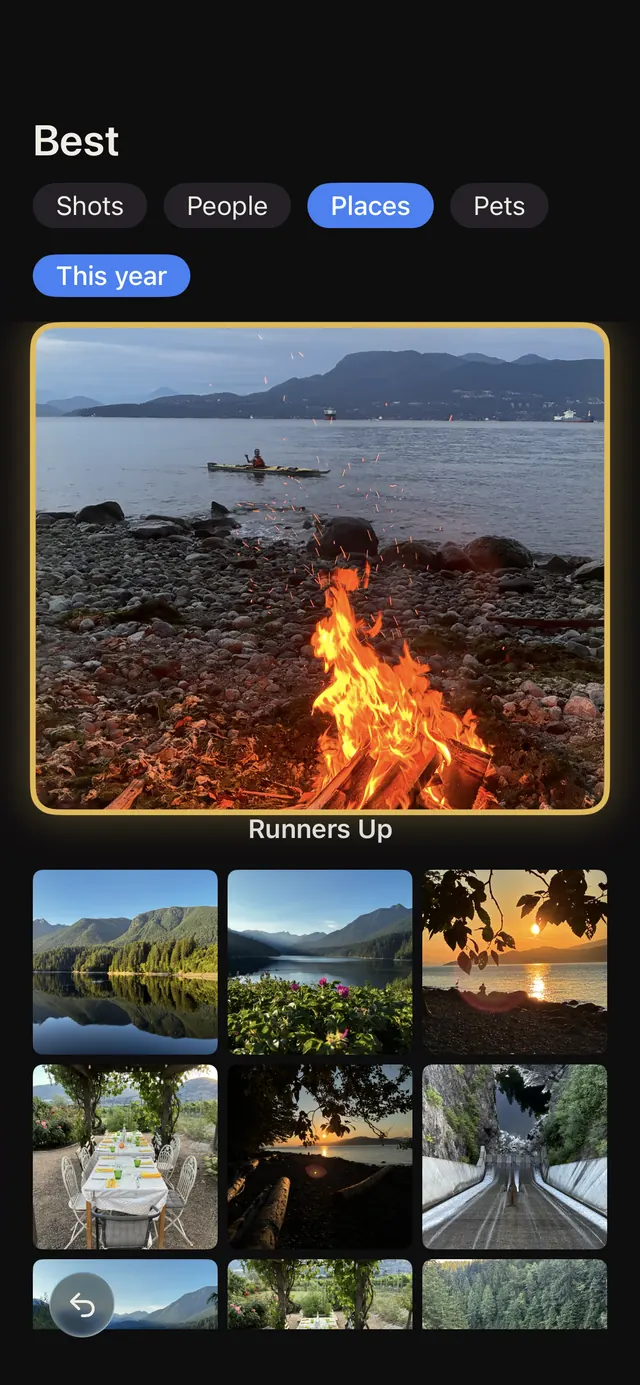
Your highest rated photos together, ready to revisit and share.
iPhone app, now inviting testers
Photo Explorer AI sorts the photos in your library. Your best shots go to Best, and the ones you probably don't need go to OutTakes, where you choose to bulk delete or keep them. Nothing is deleted unless you choose it.
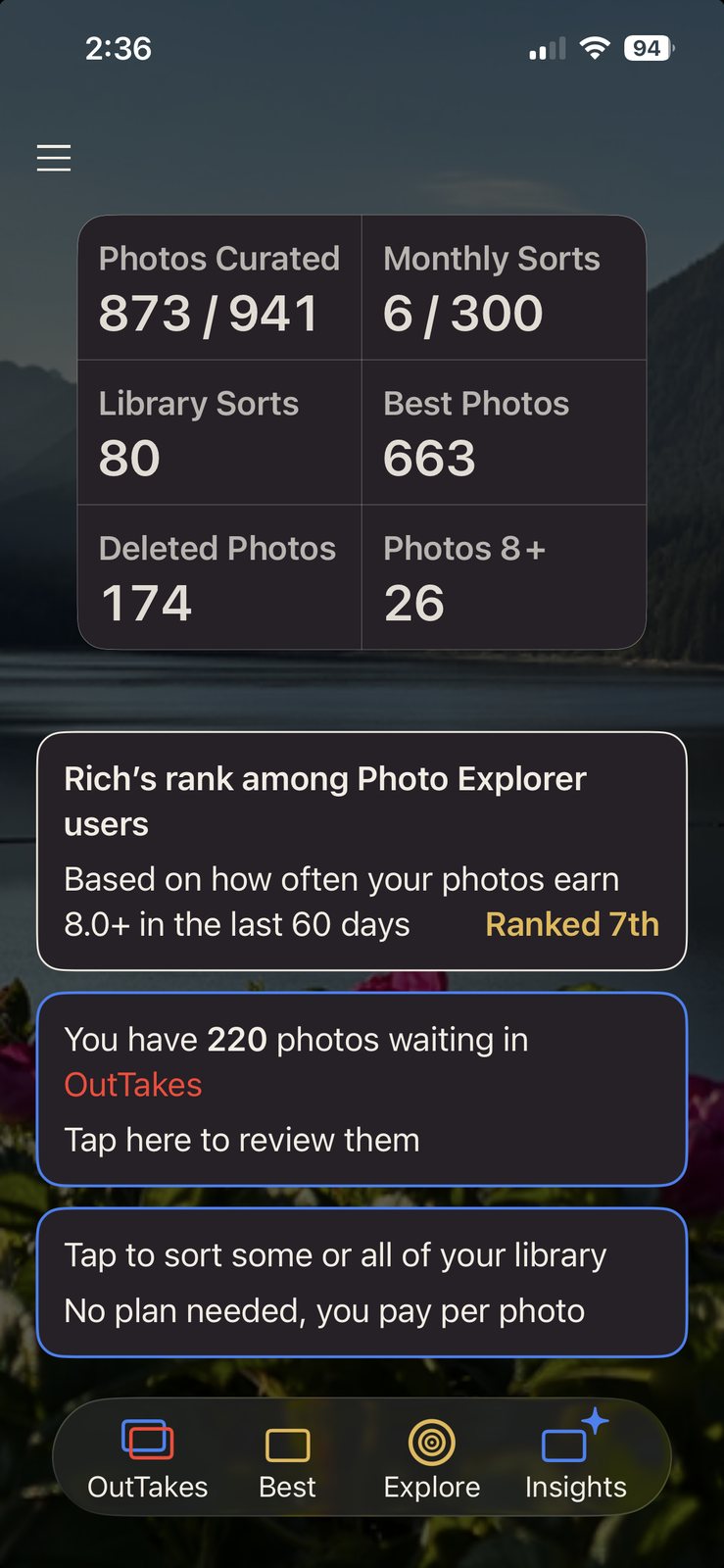
The app
Photo Explorer AI reviews your photos as you go, in batches you choose. You decide what stays.
How it works
From standouts to second takes, see what's in your library and decide what stays.
Your first sort of about 50 photos is on us. No account, no sign in.
Best and OutTakes fill up. Keep what you love, clear what you don't. Make room for what matters.
Sort new photos each month, or catch up on older ones with a one-time Library Sort.
Your highest rated photos together, ready to revisit and share.
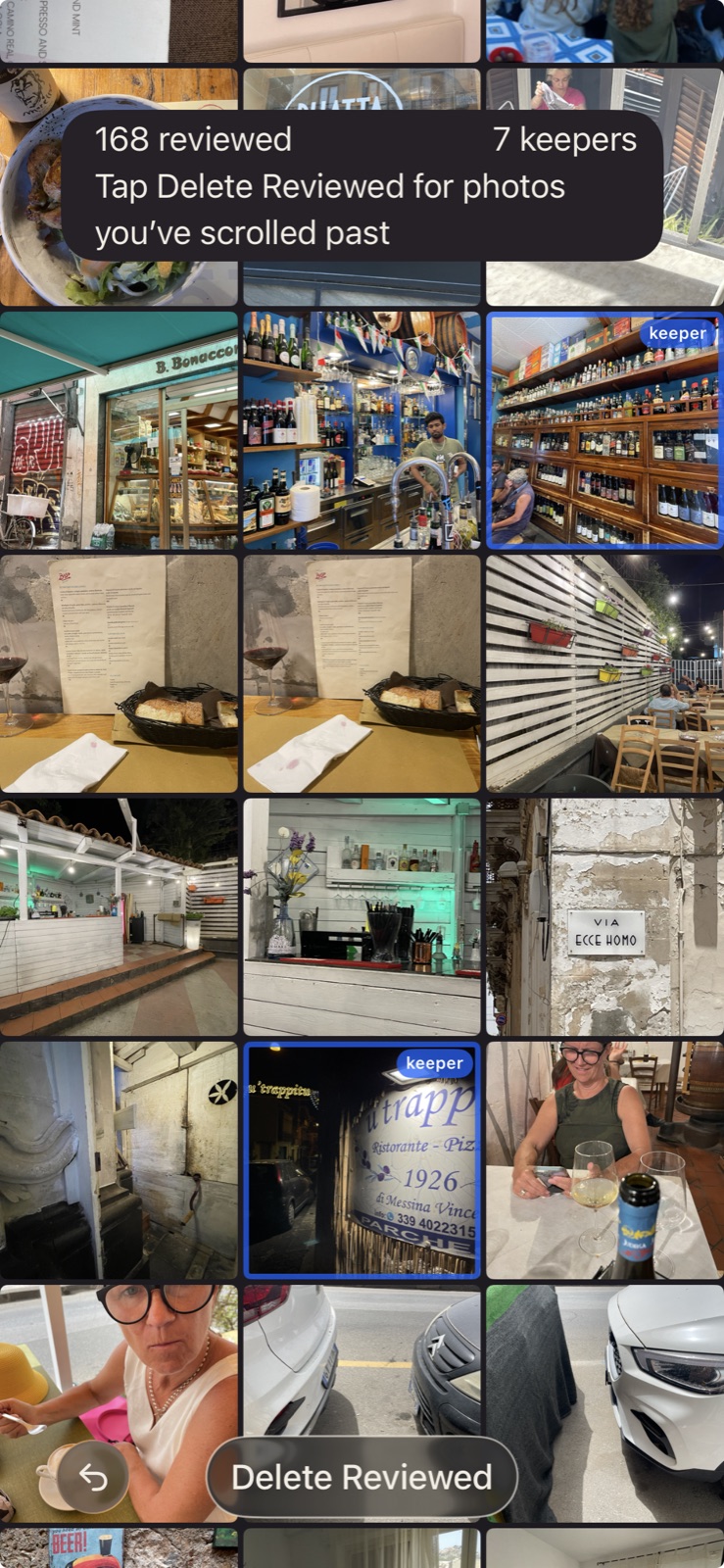
Photos the AI thinks you may not need. Keep any, bulk delete the rest.
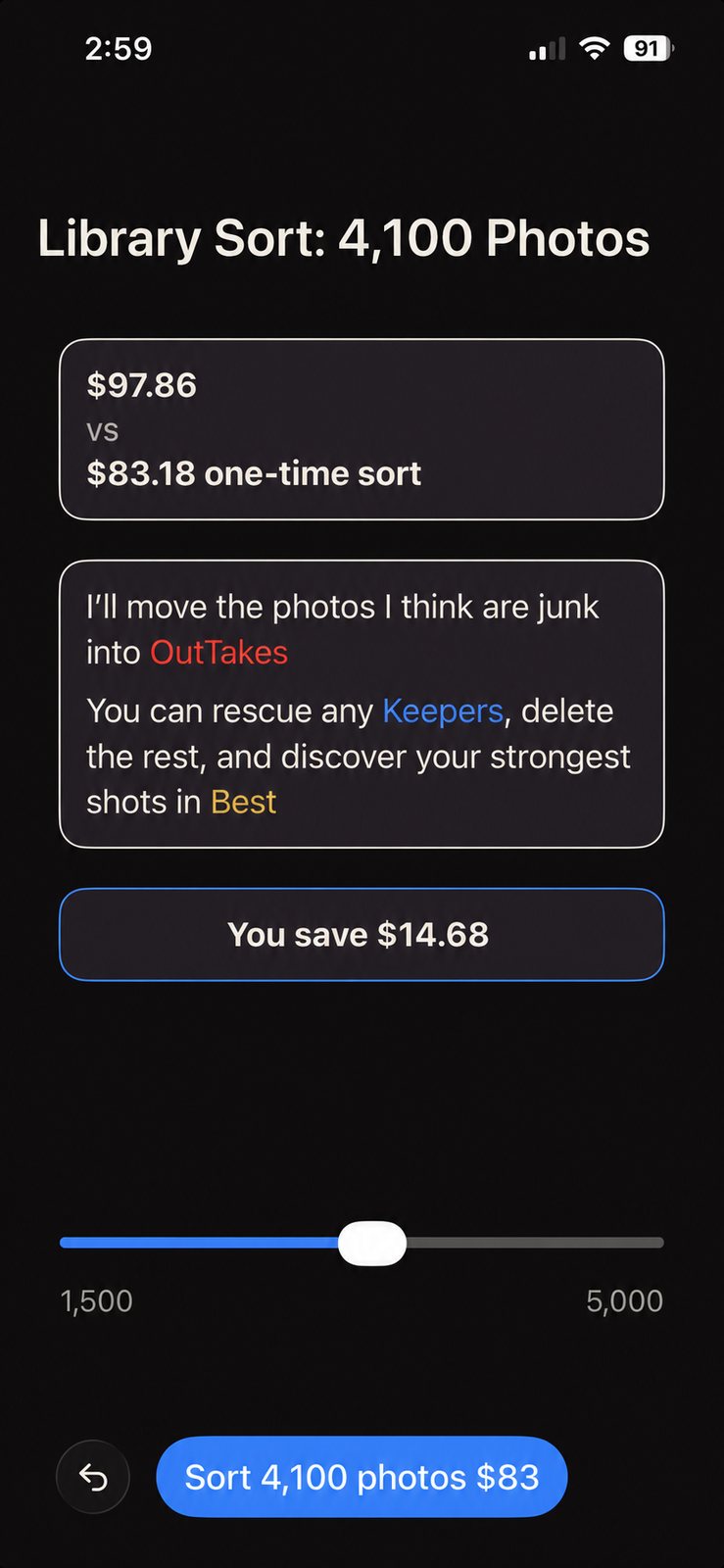
Catch up on older photos with a one-time sort. Choose how many, and it's queued to run in the background.
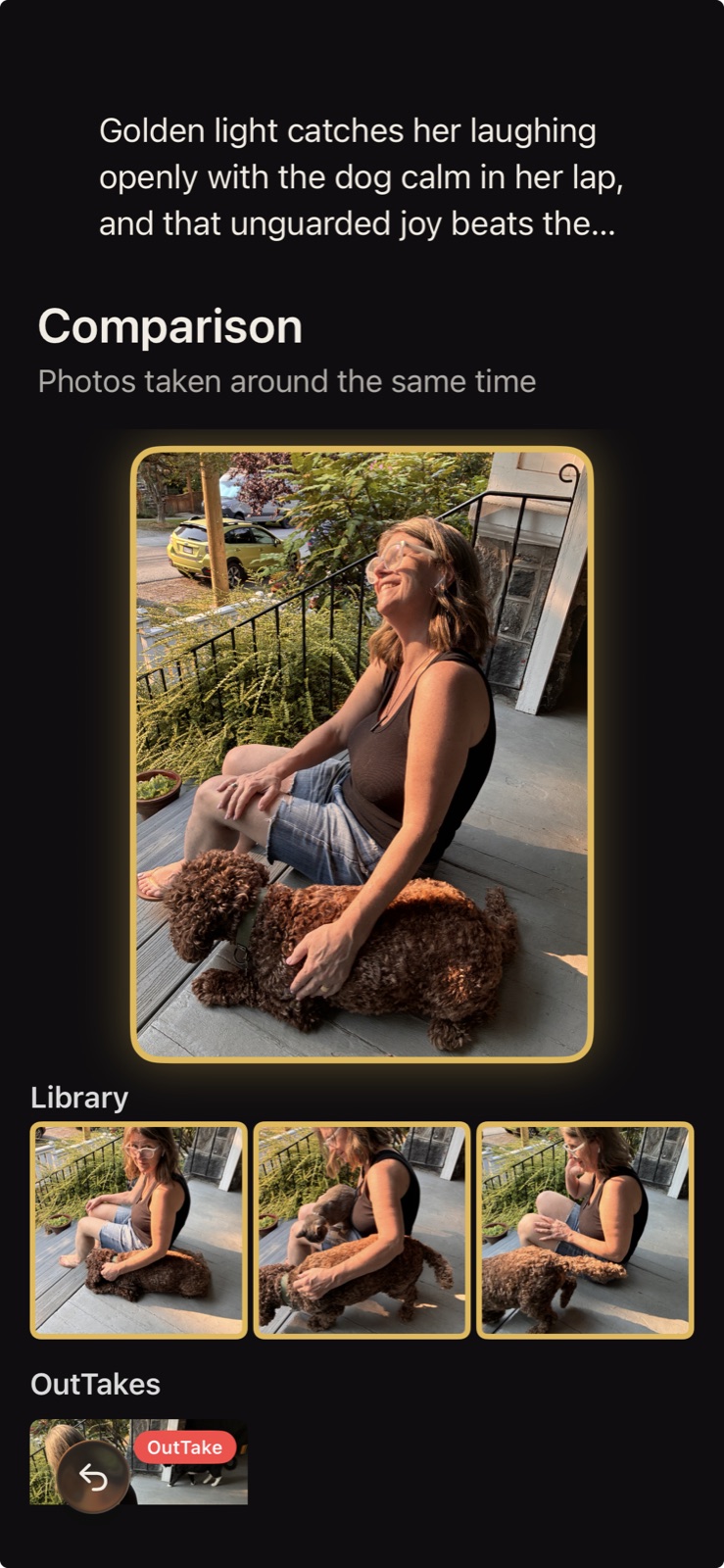
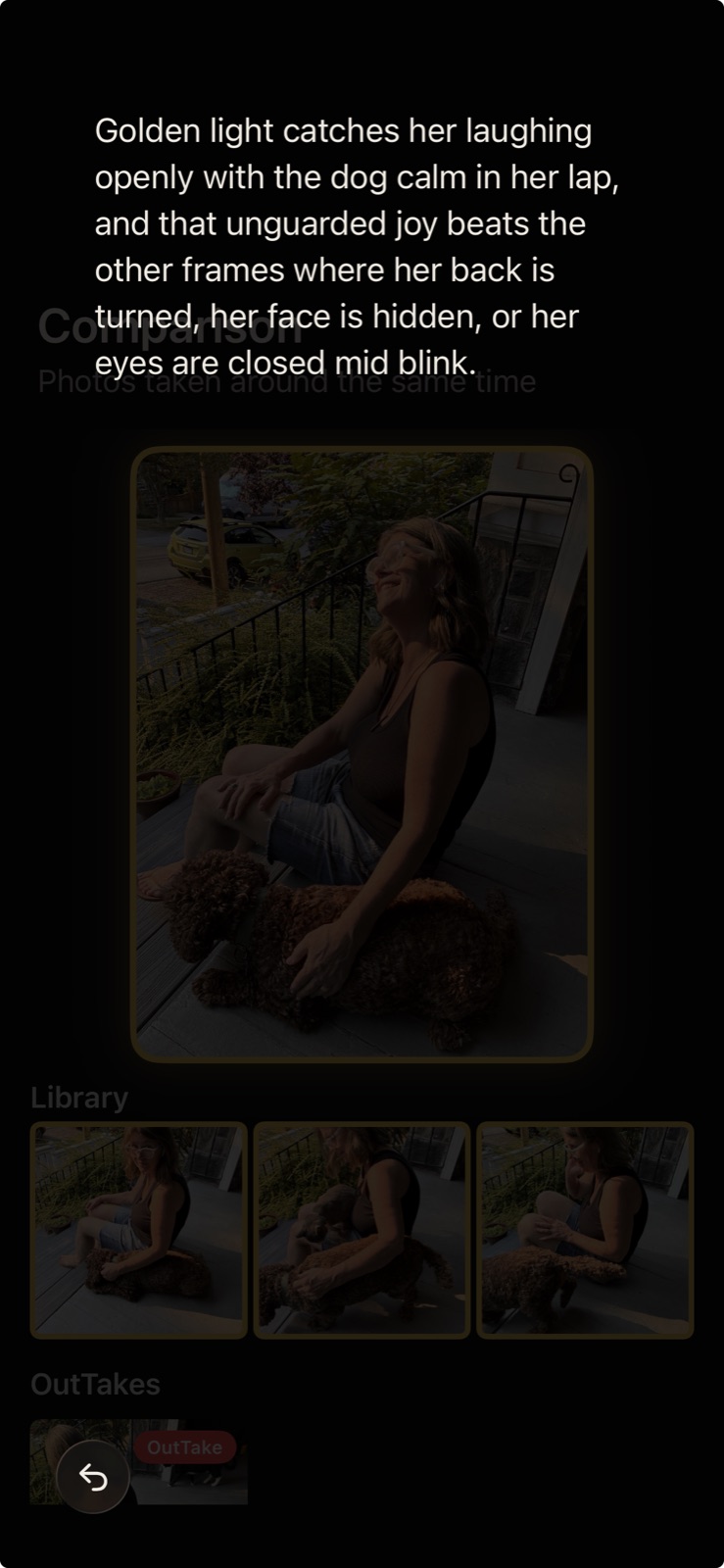
Comparison
When several photos capture the same moment, see them side by side, with a best pick and the reason behind it.
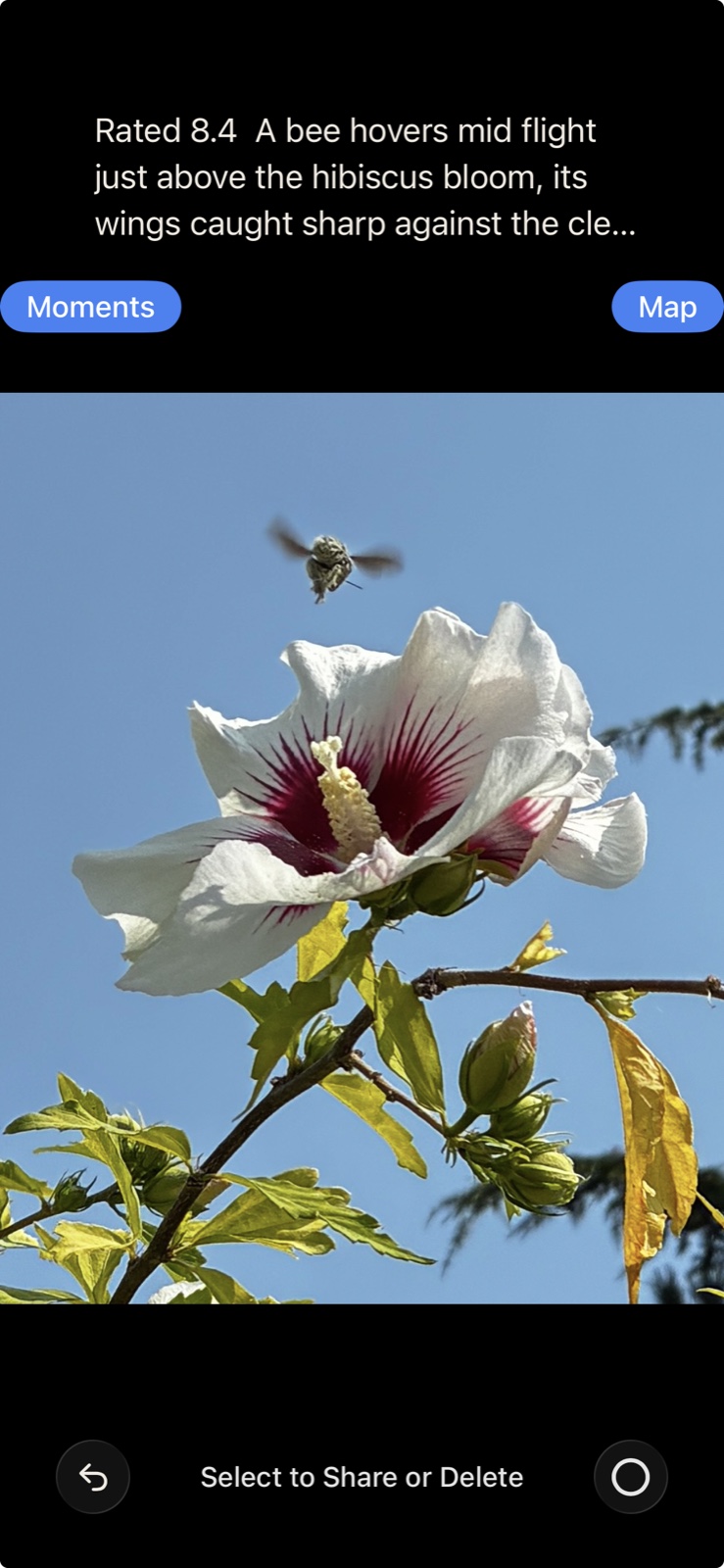
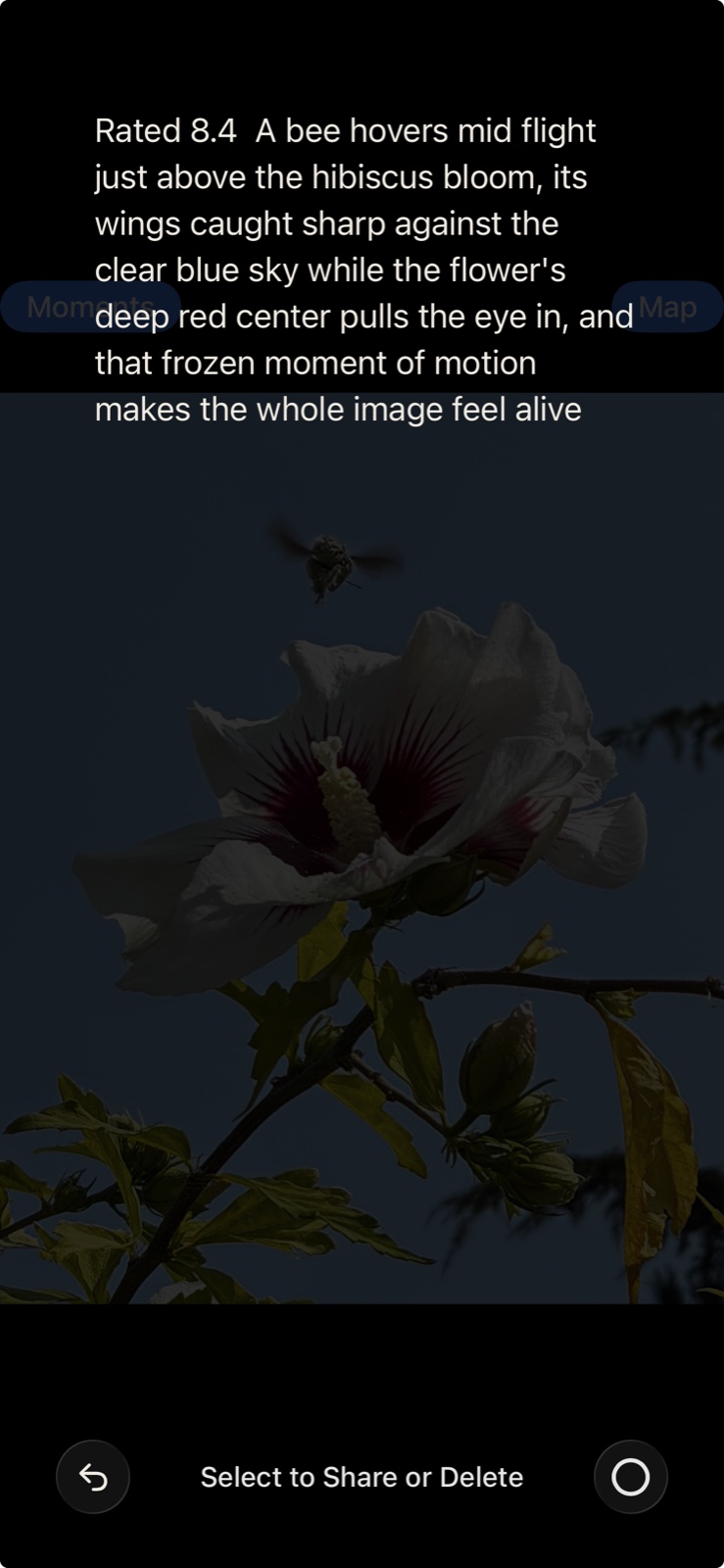
Ratings
Open any photo for a closer look, with an honest rating out of 10 and a note on what the AI noticed.
Insights
Some things should be a surprise
Tester sign-up
We're inviting testers in stages. Tell us a little about your library and we'll be in touch when a place opens.
Signing up requests a place. It doesn't enroll you or send a download link. For iPhone 15 or later on iOS 18 or later.
Three quick details.